Best AI Birthday Video Makers (2026): 7 Tools Compared
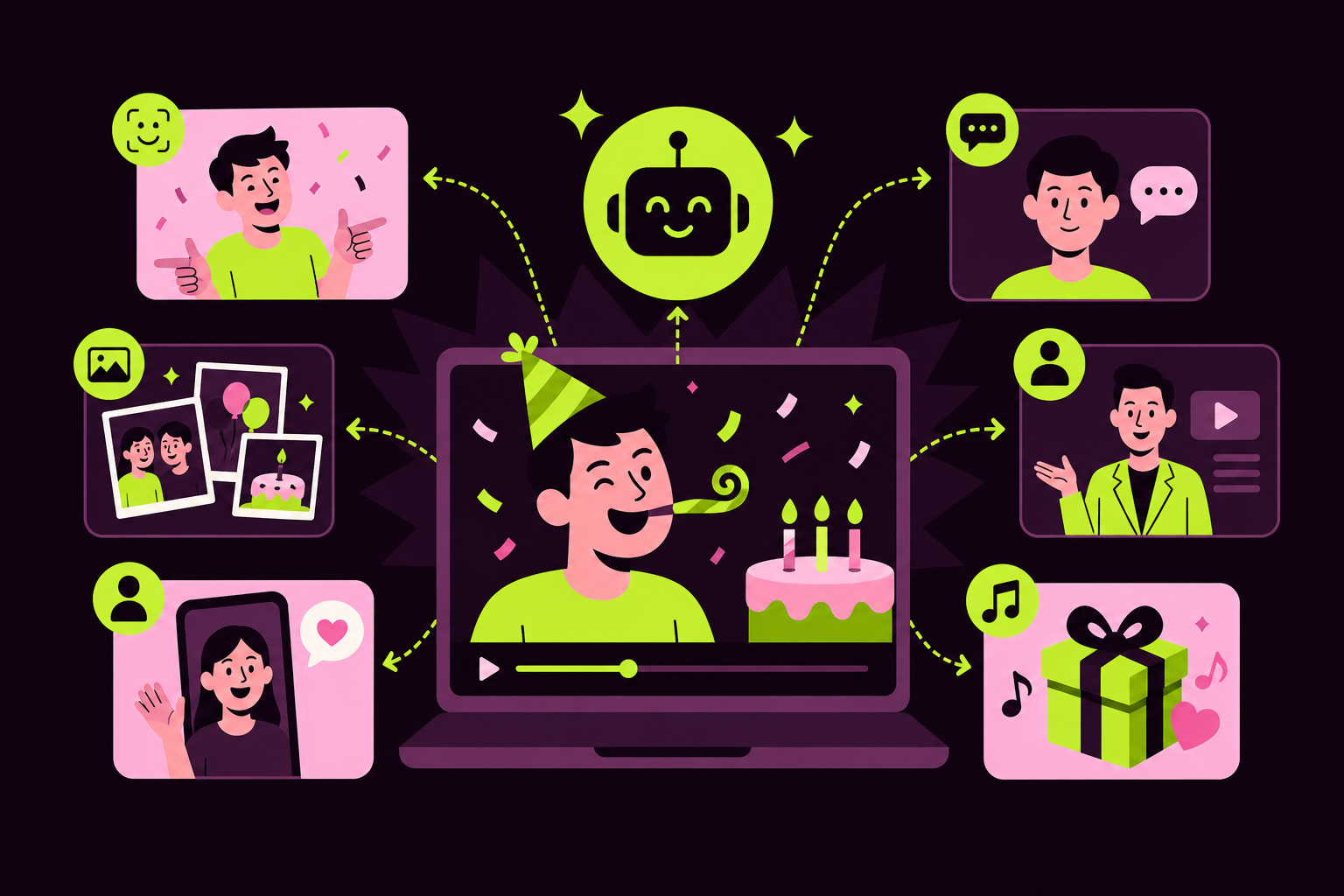
The best AI birthday video maker depends on what you actually want to send: a quick joke with your own face in it, a photo montage, a talking photo, or a polished avatar clip. This guide compares seven tools side by side so you can pick the one that fits.
Disclosure: hehehe.AI is our product. We make it, and it's listed first. We've tried to keep every entry fair, and each tool below wins in some situation.
Quick answer, by situation:
- Your own face, one selfie, free, and a link to send: hehehe.AI.
- A montage or slideshow from your own photos and clips: Canva.
- A business-style presenter or avatar video: HeyGen.
- A photo that talks, with your script and voice: Puppetry or Zoice.
- A broad AI toolkit that does more than birthdays: Magic Hour.
- A heartfelt gift with photos, voice notes and a video song: GiftSong.
Last checked: November 2026. Pricing and free tiers change often, so check each site before you commit.
How we compared
We kept the criteria simple and practical, with no scoring numbers:
- What you provide: a selfie, a photo, a script, or a pile of clips.
- Whose face is in the video: yours, the birthday person's, or an avatar.
- Free option: whether you can make something without paying.
- Best for: the situation where the tool shines.
Quick comparison table
| Tool | Best for | Free option | What you provide |
|---|---|---|---|
| hehehe.AI (ours) | Funny scene videos with your own face | Free | One live selfie |
| Canva | Photo and clip montages | Free birthday video maker | Your photos and clips |
| HeyGen | Avatar and presenter videos | Limited free plan | Script and avatar choice |
| Puppetry | Talking-photo wishes | Limited free tier | Photo, script, voice |
| Magic Hour | A broad suite of AI tools | Check the site | Photos or prompts |
| Zoice | Talking birthday wishes from one photo | Check the site | A photo and the words |
| GiftSong | Heartfelt gift-style videos and songs | Check the site | Photos, voice notes, clips |
1. hehehe.AI (ours)
What it is: A free, web-based tool that turns the birthday text you were going to send into a short personalized video for a card. You take one live selfie, say how you describe yourself (Man, Woman, Non-binary) and pick an age range, choose a scene, and get a link to send.
Best for: Anyone who wants something funny and personal without building anything. It's the only tool in this list where the sender's own real face moves in the video, from one live selfie, free, with a link to send.
How you make a birthday video with it:
- Open hehehe.AI on your phone. It's mostly built for phones.
- Take one live selfie in the browser.
- Choose how you describe yourself and an age range.
- Pick a scene template, such as Giant Chick, Goat Behind You, Aerobics Star, Fitness Birthday, Living Room Dance or Mad Professor.
- Send the link.
Pricing: Free, with no lengthy signup. For privacy details, see the privacy policy.
Languages: English, Spanish, Italian, German, French, Brazilian Portuguese and Dutch.
Honest limitation: It makes short scene-based videos from templates. It isn't a tool for editing your own footage or building a photo montage, and it features the sender's face, not the birthday person's.
You can see it in action on the happy birthday video page, or read more about the birthday video with your face option.
2. Canva
What it is: A well-known design tool with a free birthday video maker. It offers a drag-and-drop editor, a large template library, AI content and media generation, and collaborative editing.
Best for: Montages and slideshows built from your own photos and clips, especially when several people want to chip in.
How you make a birthday video with it: Open the birthday video templates, pick a layout, drop in your photos and clips, add text and music, and adjust the timing.
Pricing: The birthday video maker is free to start. Check Canva's site for what paid plans include.
Honest limitation: You build it yourself. It's a manual editor rather than a one-selfie generator, so it takes more time and effort.
3. HeyGen
What it is: A business-oriented AI avatar video tool, built around presenters and scripted videos.
Best for: People who want a polished, presenter-style clip and are comfortable working with avatars and scripts.
How you make a birthday video with it: Choose an avatar, write or paste your script, pick a voice, and generate the video.
Pricing: The free plan covers 3 videos a month, with a watermark, up to 1 minute each. The paid Creator plan is $29/month. See the pricing page for current details.
Honest limitation: It's built around presenters, avatars and credits, which is more than most birthday cards need.
4. Puppetry
What it is: A talking-photo video tool. You write a script, pick a voice, and a photo speaks your words.
Best for: A talking-photo birthday wish where you want control over exactly what's said.
How you make a birthday video with it: Upload a photo, write the script, choose a voice, and generate.
Pricing: The free tier offers 3 creations a month with a watermark. Paid plans start from about $15/month, so check current pricing.
Honest limitation: You have to write the script and choose the voice yourself.
5. Magic Hour
What it is: A broad suite of 100+ AI tools, including photo-to-video and talking photo, plus a free AI selfie generator.
Best for: People who want one account for many kinds of AI media, with birthday videos as just one use among many.
How you make a birthday video with it: Pick a photo-to-video or talking-photo tool, add your input, and generate. Exact steps vary by tool.
Pricing: The Creator plan is about $24/month, or $15/month billed yearly. Check Magic Hour for current plans and free access.
Honest limitation: It's a general-purpose suite, not a birthday-specific one, and fuller use needs a paid plan.
6. Zoice
What it is: A tool that turns one photo into a talking birthday wish. The photo can be of the birthday person, a loved one or a character.
Best for: A warm, personal message built around a photo that means something to the recipient.
How you make a birthday video with it: Upload a photo, add the words you want spoken, and generate the talking wish.
Pricing: Check Zoice for current pricing and any free option.
Honest limitation: You supply the photo and the words, and the face that talks is the one in the photo.
7. GiftSong
What it is: A gift-focused tool for heartfelt birthday presents: montages, social clips and personalized video songs built from your photos, voice notes and clips.
Best for: A meaningful gift where you're happy to gather material and put real thought into it.
How you make a birthday video with it: Collect your photos, voice notes and clips, upload them, and let the tool assemble a montage, clip or video song.
Pricing: Check GiftSong for current pricing.
Honest limitation: It's more of a gift-building workflow and takes more input than a single selfie.
How to choose
- You are short on time and have a phone: hehehe.AI needs one selfie and gives you a link to send.
- You have lots of photos and clips: Canva is the natural home for a montage.
- You want a clean, presenter-style video: HeyGen fits, as long as you're fine with the avatar and credit model.
- You want a photo to say something specific: Puppetry or Zoice. Choose Puppetry if you want to pick the voice and script, Zoice if you'd rather start from one photo.
- You want one tool for lots of AI experiments: Magic Hour.
- You want a keepsake with real effort behind it: GiftSong.
One tip that applies to every tool: a good birthday video makes the recipient feel celebrated, not embarrassed. Aim the jokes at yourself, or keep them warm, and the video will land well.
FAQ
Is there a free AI birthday video maker?
Yes. hehehe.AI is free, and Canva's birthday video maker is free to start. HeyGen and Puppetry offer limited free tiers with watermarks. Free tiers change, so check each site.
Do I need to write a script?
Not always. hehehe.AI uses scene templates, so you pick a scene instead of writing lines. Puppetry and Zoice need you to supply the words, and HeyGen is built around a script.
Whose face appears in the video?
It depends on the tool. In hehehe.AI it's always the sender's own face, from one live selfie. In Zoice and Puppetry it's the face in the photo you upload, and in HeyGen it's typically an avatar. Canva shows whatever photos and clips you add.
What if I need a last-minute birthday video?
Pick the tool that asks the least of you. hehehe.AI needs one selfie and a scene choice, and then you send a link. A montage in Canva or a gift build in GiftSong is lovely, but it takes more gathering and arranging.
Conclusion
There's no single winner here, because the right tool depends on what you have and what you want to say. If you want a funny, personal card with your own face and no editing, try hehehe.AI. If you want a montage, a talking photo or a polished avatar, one of the others will serve you better. Whichever you choose, check each site for current pricing and free tiers.
Ready to try it? Make a birthday video with your face. Learn more at hehehe.ai.