Birthday Free Greeting Maker: Pick a Format and Send It
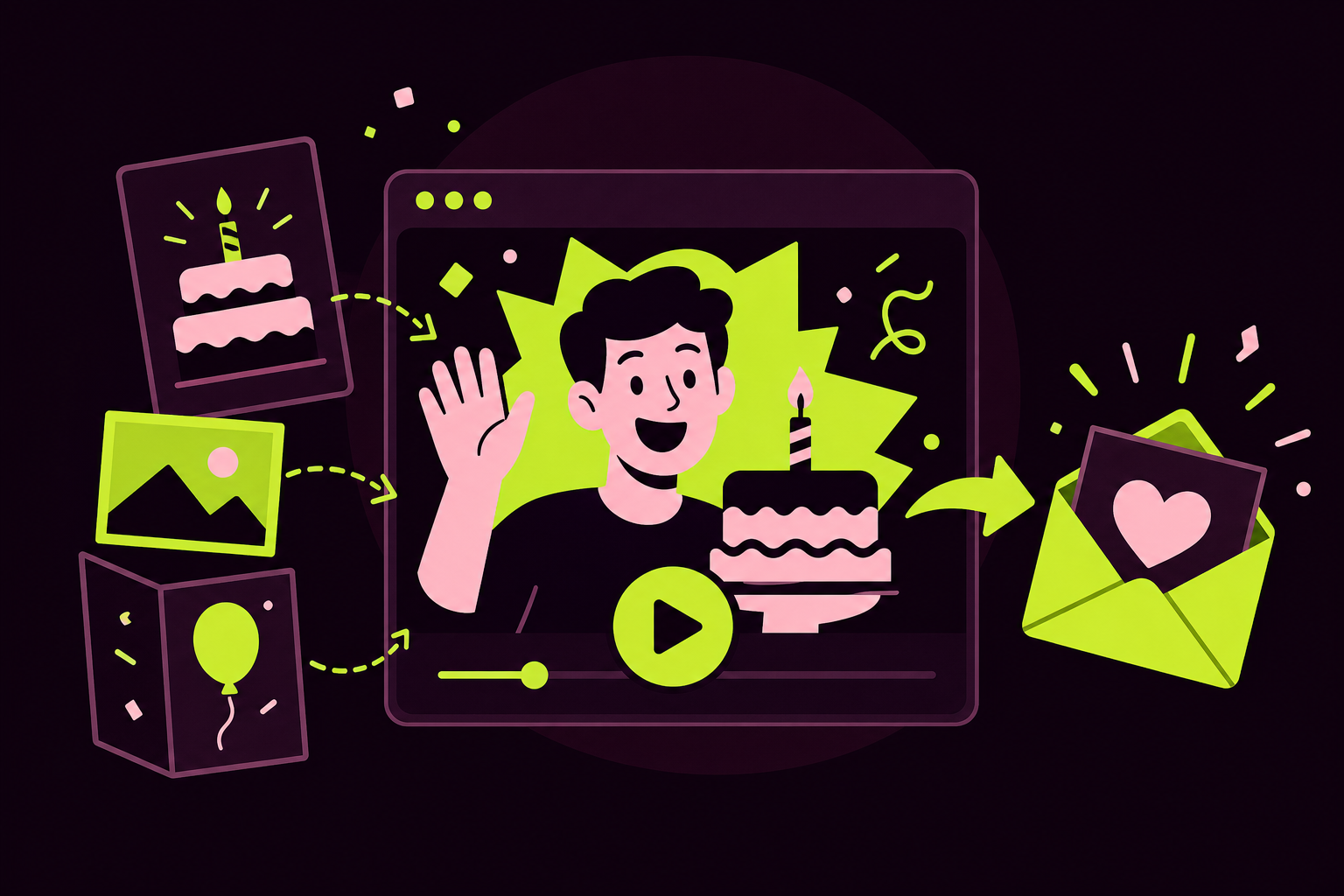
To make a birthday free greeting, pick a format (static card, image, or short video), personalize it with a name and message or your own face, and send the link or file through WhatsApp, Instagram, text, or email. A browser-based tool lets you take one selfie, choose a scene, and share a link.
This guide walks you through choosing a format, personalizing it, and sending it without losing quality. It works even if the birthday is today or already behind you. A short video with your own face tends to feel the most personal, so that is the one we build step by step.
Step 1: Choose the Kind of Birthday Greeting You Want to Send
Before you open any tool, decide what you are making. The format sets how long it takes, how personal it feels, and how easy it is to send.
Birthday cards are still a big habit. The Greeting Card Association reports that Americans buy about 6.5 billion greeting cards a year, and that birthday cards are more than half of them. Your recipient is used to getting something, so the real question is what will stand out.
Here are the four common digital formats:
- Static card: a designed card with a fixed message. Quick to send, but it looks like many others.
- Downloadable image: a card saved as a picture file, usually sent through a chat app. Easy to share, though chat apps can compress it.
- Interactive flipbook card: a card that opens like a book, sometimes with several pages or signatures. It takes a little more effort and is often sent as a link.
- Short video: a clip the recipient plays. It takes about the same effort as the others if the tool is simple, and it carries your face and voice of care.
If the person matters to you, a video is the strongest choice. For a quick note, an image with a name and one line does the job. Where can you make a birthday card for free? Almost every format above has a free route: browser-based card makers, image editors, and video tools. The next step helps you pick where to build it.
Step 2: Pick a Free Greeting Maker: Browser or App?
Both options can be free, but they cost you different things.
Mobile apps need an install, which means a download, an account in many cases, and storage space on your phone. Once installed, they are quick to reopen and often keep your past designs in one place. They suit people who send greetings every week.
Browser-based makers need nothing installed. You open a link, make the greeting, and share it. That helps when you remembered the birthday ten minutes ago. Nothing needs updating, nothing uses space on your phone, and the finished result is often a link you can paste straight into a message.
A few questions help you choose:
- How soon do you need it? If it is today, skip the install and use a browser.
- How many will you make? For one greeting, a browser wins. For a whole year of birthdays, an app may save time.
- How will you send it? A link travels well through text, WhatsApp, and Instagram. A file may be squeezed by the chat app, which Step 6 covers.
- What counts as free? Some platforms are free to start but charge to download or remove branding, while others are fully free. Check what you get before you build something you cannot send.
Whichever route you choose, try to finish in one sitting. A greeting sent today beats a perfect one sent next week.
Step 3: Make a Free Birthday Greeting Video With Your Own Face
A short video with your own face turns the text you were about to send into something the person can watch and smile at. hehehe.AI does this in the browser. What a greeting maker costs varies from one to the next, and the site states this video is free.
Follow these steps:
- Open hehehe.AI in your browser. There is nothing to install, so you can start from your phone right away.
- Take one live selfie. The selfie is taken in the browser, and the raw selfie stays on your phone. Nothing is uploaded. It is always your own face, never anyone else's.
- Pick a scene. Choose the setting that suits the person, whether playful, warm, or simple.
- Get your link. Once your video is ready, you receive a link you can share.
- Send it. Paste the link into a text, WhatsApp, an Instagram message, or an email. Step 5 covers each route.
Because the video uses your real face, the recipient sees you wishing them well rather than a generic template. If you want to see what the finished result looks like, the birthday video with your face page shows the idea in more detail.
Keep the message you pair with the link short and specific. A line like "Made this for you, press play" works better than a long note. Step 4 helps you write something that sounds like you.
Step 4: What Is a Good Message to Write in a Birthday Card?
A good birthday message is short, names the person, and includes one detail only you would know. Warmth comes from specifics, not length.
In a 2025 study in Information, Communication & Society, people reacted worse to birthday wishes written by AI than to ones written by a person, and personal details reduced the gap. The lesson is simple: a line in your own words beats a polished generic one.
Use this checklist before you hit send:
- Use their name. "Happy birthday, Maya" lands better than "Happy birthday."
- Add one specific detail. A shared joke, a trip, a thing they always say.
- Say one real wish. Something for the year ahead, such as rest, a good trip, or a long lunch together.
- Keep it under three sentences. The video or card carries the rest.
- Sound like you. If you would never say "wishing you a blessed and prosperous day," don't write it.
Here are a few sample lines to adapt:
- "Happy birthday, Sam. I still think about that road trip. Here's to more bad playlists and good company."
- "Happy birthday, Mom. Thank you for always picking up on the first ring. Hope today is slow and sweet."
- "Happy birthday, Jo. Late, but you know I never forget you. Dinner is on me this week."
How do you make a mini card? Treat it as a short line plus one detail, nothing more. Write your sentence, add the detail, and attach it to the video link or image. A mini card takes about a minute to write and often reads as more sincere than a long paragraph.
Step 5: How Do You Send a Happy Birthday Greeting?
You send a birthday greeting by sharing a link or file through the app the person actually reads. Pick the channel first, then follow the steps for it.
- Choose the channel. Text, WhatsApp, Instagram direct message, and email all work. Use whichever the person answers fastest.
- Copy your link or file. If you made a video, copy the link. If you made an image, have it saved to your device.
- Open the chat or email. Start a new message to the person.
- Paste or attach. Drop in the link, or attach the image. For image quality, see the next section.
- Add your short message. One line is enough: their name, your wish, and "press play" if it is a video.
- Send it. Then give it a moment. If they reply with a laugh, you got it right.
A few channel notes:
- WhatsApp and text: Links open with one tap and are the safest way to share a video. Images may be compressed if sent as photos.
- Instagram direct message: Paste the link into a chat, or send it in reply to one of their stories. Keep the note casual.
- Email: Put the link in the body and use a clear subject line, such as "Happy birthday, Maya." Birthday-related emails have a strong record in marketing, with Experian finding they produce 481% more transactions than typical promotional emails. That is context about the format, not a promise of results for a personal note.
If you are sending late, say so briefly and move on: "Belated happy birthday, Sam. Better late than never." Warm and short beats a long apology.
How to Send a Birthday Card Image Without Losing Quality
Chat apps often shrink photos to save data, which can make a card look soft or blurry. Sending the image as a document keeps it at full quality. Follow these steps:
- Download the card image to your device. Save the original file to your phone or computer, not a screenshot of it.
- Open the desired chat application. Go to the conversation with the person you are greeting.
- Attach the file as a document to preserve quality. Use the attach option and choose "Document" or "File" rather than "Photo" or "Gallery." The app then sends the file as it is instead of recompressing it.
A few tips make this go smoothly:
- Check the file type. A PNG or high-quality JPG holds up better than a tiny preview image.
- Name the file. Something like "Happy-Birthday-Maya" looks friendlier than a string of numbers.
- Add a line of text. The recipient sees a file attachment first, so a short note such as "Open this one, it's for you" gives it context.
- Skip the screenshot. A screenshot is lower resolution than the original and may crop the edges.
If you would rather not think about compression at all, send a link instead. A link opens the card or video at its intended quality, with nothing for the app to shrink.
Scheduling, Last-Minute Sends, and Belated Birthdays
If the birthday is today, send your greeting now and keep it short. A quick message that arrives on the day beats a polished one that arrives tomorrow.
If you know a birthday is coming, you can send ahead. Scheduling and tracking features vary by platform. Some tools let you set a send time or show when a card was opened, and others do not, so check what yours offers before you count on it. The simplest backup is a reminder on your phone's calendar for the morning of the day.
If you missed it, own it in one line and send anyway. "Belated happy birthday, Sam. I'm sorry I'm late" is enough, followed by your specific detail. For an extra personal touch, a happy birthday video with your own face makes a late message feel like effort, not an afterthought.
One more point for timing: roughly 21 million people worldwide share the same birth date, according to The Population Project's 2025 data as reported by MessageAR (vendor-reported). Your friend's day is crowded with wishes, so a personal greeting stands out whether it lands at breakfast or a day late.
FAQs
Where can I make a birthday card for free?
You can make one in a browser-based card maker, an image editor, or a video tool, and most have a free route. For a last-minute greeting, a browser is quickest because nothing needs installing. Check whether a platform is free to start or fully free before you build, so you can still download or send the finished card.
How do you send a happy birthday greeting?
Pick the app the person reads fastest, such as text, WhatsApp, Instagram direct message, or email. Copy your link or attach your file, add a one-line note with their name, and send. Links travel best because chat apps do not compress them, while images may need to be attached as documents to keep full quality.
What is a good message to write in a birthday card?
Keep it under three sentences, use the person's name, and include one detail only you would know, such as a shared joke or trip. Add one real wish for the year ahead. Write in your own words: people react worse to birthday wishes they know an AI wrote.
How do I make a mini birthday card?
A mini card is one short line plus one specific detail, attached to an image or video link. Write a sentence like "Happy birthday, Jo. Still laughing about that dinner," then send it. It takes about a minute and often feels more sincere than a long paragraph.
Can I schedule a birthday greeting to send later?
Sometimes. Scheduling features vary by platform, and some messaging apps, email services, and card makers offer a send-later option while others do not. If yours lacks one, set a phone reminder for the morning of the birthday and send it yourself. That keeps the greeting on time without special tools.
Is a greeting with my own face better than a template card?
For most people, yes, because the recipient sees you wishing them well rather than a design anyone could send. A template card is faster and fine for acquaintances. When the person matters to you, a short video with your own face carries more warmth.
Conclusion
You can make and send a birthday greeting for free, in whichever format fits the moment. A short video with your own face feels the most personal, and a link is the safest way to send it without losing quality.
Before the day arrives, decide which chat app the person reads fastest and write your one-line message with a single specific detail. If the date has already passed, send it anyway with a short "belated" note. A warm greeting that arrives late still beats silence.